How to Set Low-Stock Alerts So You Never Run Out
Watching stock manually works until the shop gets busy. Here's how to set a threshold that actually matches how each product sells.
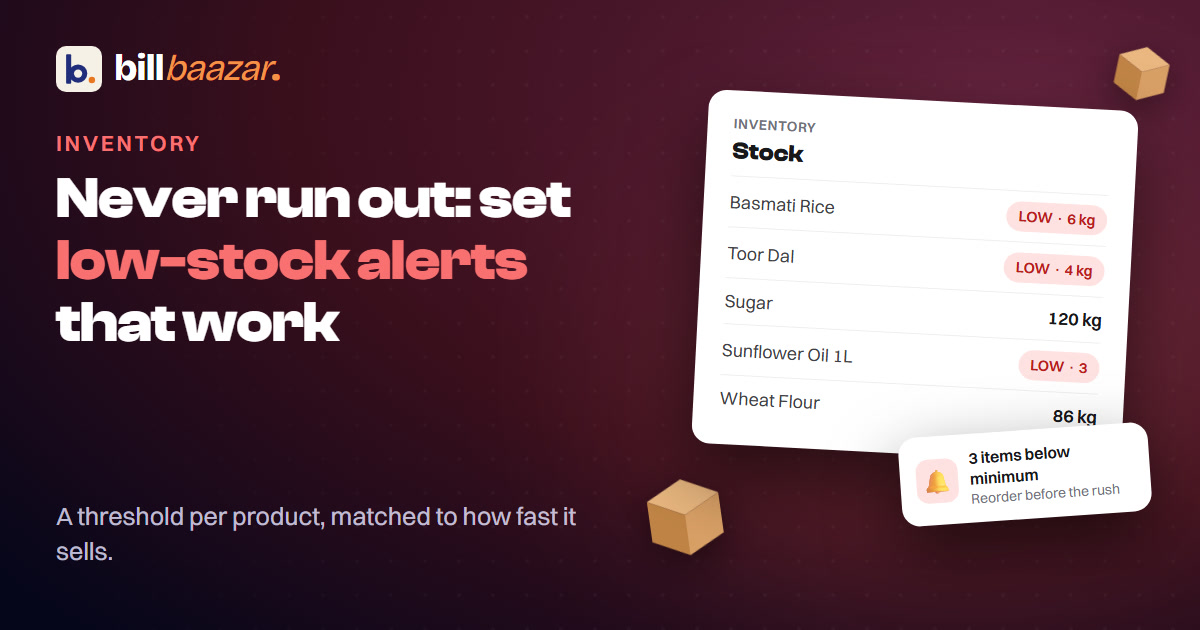
The most expensive stock problem for a small shop usually isn't a full storeroom of unsold goods — it's the empty shelf a customer noticed before you did. Low-stock alerts exist to fix exactly that gap.
Why "I'll just keep an eye on it" doesn't work
Watching stock manually works right up until the shop gets busy, a fast-moving item spikes for a week, or you're not the one at the counter that day. A threshold-based alert doesn't get distracted — it flags a product the moment it crosses the line you set, regardless of who's working the counter.
Setting a threshold that actually makes sense
The right low-stock threshold isn't the same number for every product:
- Fast-moving items (daily staples, popular SKUs) need a higher threshold, because you'll burn through the buffer quickly once it's flagged.
- Slow-moving items can sit on a low threshold — there's less risk of running out unexpectedly.
- Items with a long supplier lead time need enough buffer to cover the days between ordering and delivery, not just enough to notice you're low.
A threshold set once and never revisited eventually stops matching how the product actually sells — review it when a product's sales pattern clearly shifts, not on a fixed schedule.
What should trigger the reorder, not just the alert
An alert is only useful if it leads somewhere. The practical version of this: when a product shows on the low-stock list, that's also where you should be able to see who your usual supplier for it is and what you last paid — so reordering is a next step, not a separate lookup.
The connection to purchase entry
Low-stock alerts and purchase entry work as a pair. The alert tells you what to reorder; recording the purchase when it arrives is what resets the count and, if you're tracking supplier ledgers, updates what you owe. Treating them as one workflow, rather than two separate habits, is what actually prevents the cycle breaking down.
The actual test
Pick your five fastest-moving products right now. Do you know, without checking manually, whether any of them are close to running out? If not, that's the exact gap a threshold-based alert closes.
See how BillBaazar's inventory management handles this, or explore all the stock features.
Try BillBaazar in your shop
Free for 15 days, no card needed. We'll move your customer list across for you.
Keep reading

Ready to close the notebook?
Set up your shop in ten minutes. Free for 15 days, no card, and we'll move your customer list across for you.